Physical Address
304 North Cardinal St.
Dorchester Center, MA 02124
Physical Address
304 North Cardinal St.
Dorchester Center, MA 02124
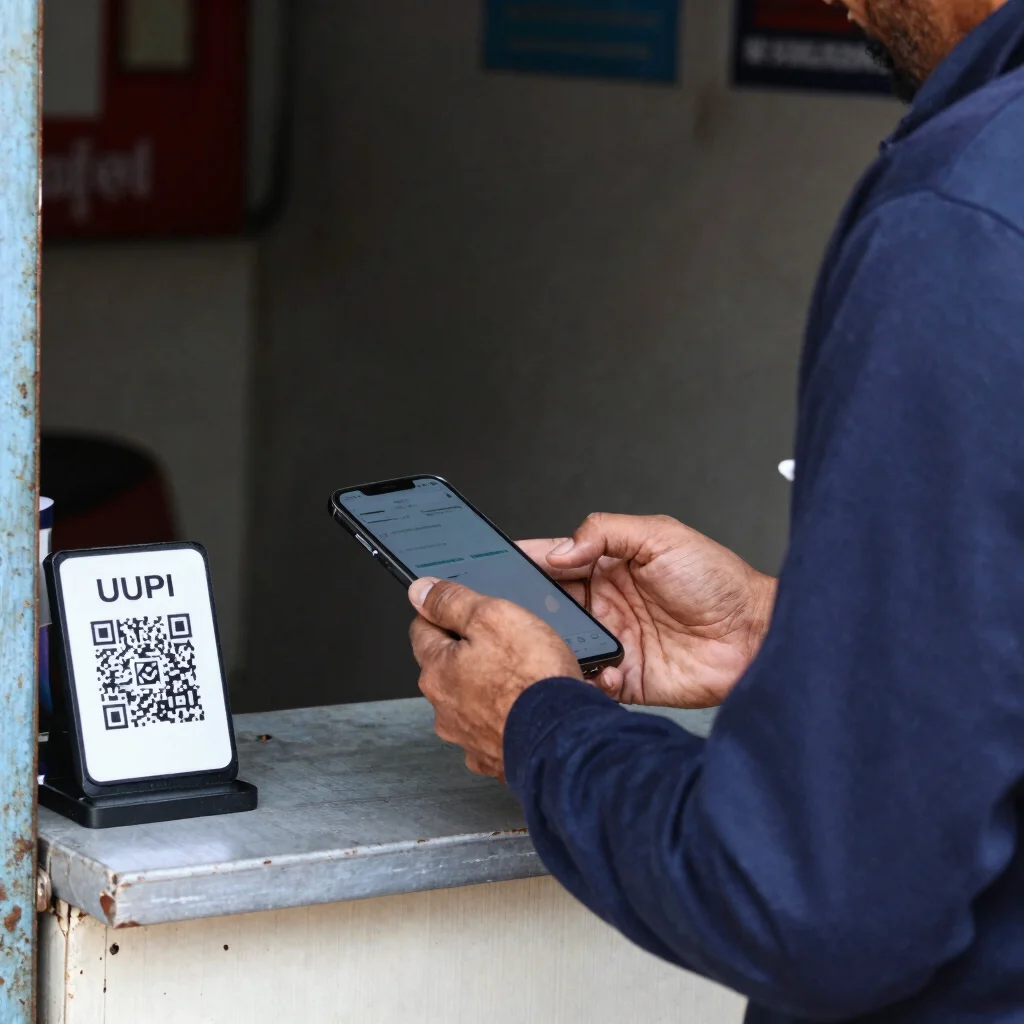
A payment alert can look convincing when you’re in a hurry. Read the request on your screen before entering a PIN or approving anything.
A QR code at a neighborhood shop, a message from an unknown number, or a request that appears to come from someone you know can all arrive in the middle of a busy day. With UPI, the key question is simple: are you paying someone, or are you being asked to approve a request? That distinction is worth a pause.
A UPI PIN authorizes a payment from your account; you do not need to enter it to receive money. If an unexpected request asks for your PIN, treat it as a request to send money, not as a step to collect a refund or prize.
Scammers can create urgency with claims about a failed delivery, a refund, or an account problem. Open your payment app yourself rather than following a link in a message, and take a moment to check who would receive the money.
Before approving, check the recipient name and the amount shown inside your UPI app. A familiar display name or profile picture is not enough to confirm someone’s identity, especially if the request came with an unexpected story.
If a friend asks for money, confirm through a separate channel, such as calling the number you already have saved. Never share your UPI PIN or one-time password with another person, even if they claim to be helping you complete a payment.
If you approved a payment you did not intend to make, contact your bank and payment app through their official channels as soon as possible. Save the transaction details and relevant messages; they can help when you report what happened.
The useful habit is not to distrust every digital payment. It is to treat each approval as a real instruction to your bank: read the amount, check the recipient, and enter your PIN only when you mean to pay.